
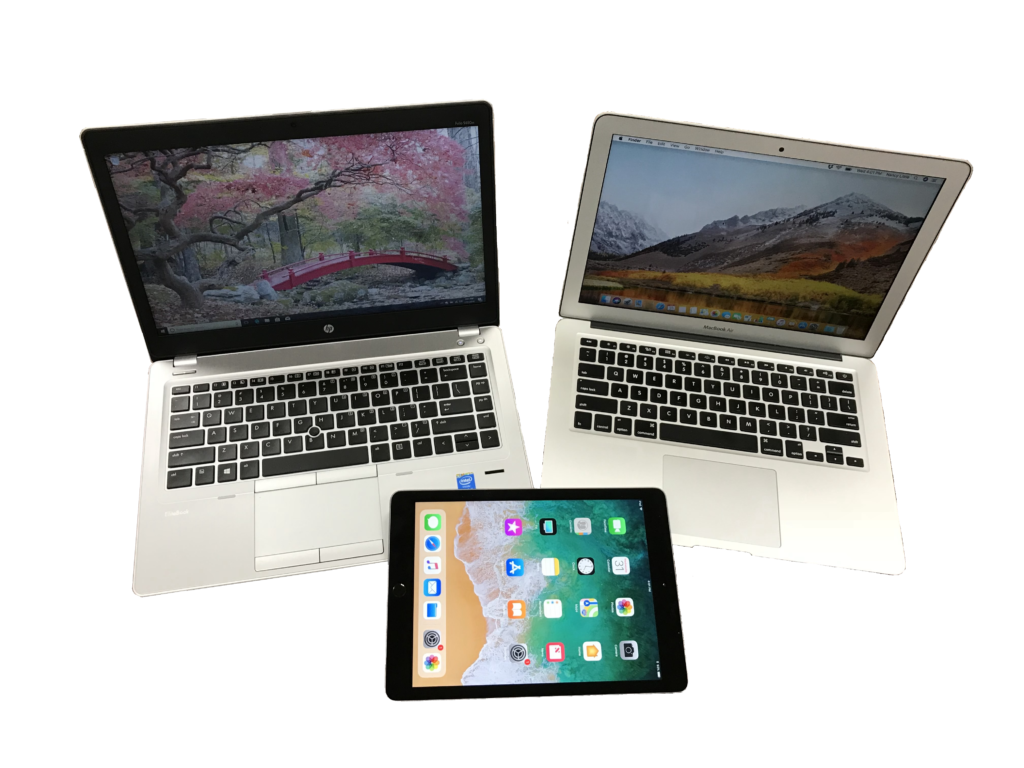
Tablets combine the portability of a mobile device with many of the capabilities traditionally associated with computers. These courses explore the operating systems used on mobile devices and tablets, along with practical skills for using iPad and Windows-based devices.
OS100: Operating System Survey
OS100 explores the operating systems used on today’s mobile devices and how they differ from traditional desktop operating systems. Participants learn the fundamentals of mobile operating systems before comparing iOS and iPadOS, Android and ChromeOS, Windows tablets and hybrids, and operating systems used on wearable devices. The course also examines security, privacy, and emerging trends in mobile operating systems.
Topics include:
- Mobile OS Basics
- iOS & iPadOS
- Android & ChromeOS
- Windows Tablets & Hybrids
- Wearable OS
- Mobile OS Security & Future Trends
TAB100: Tablet Computers
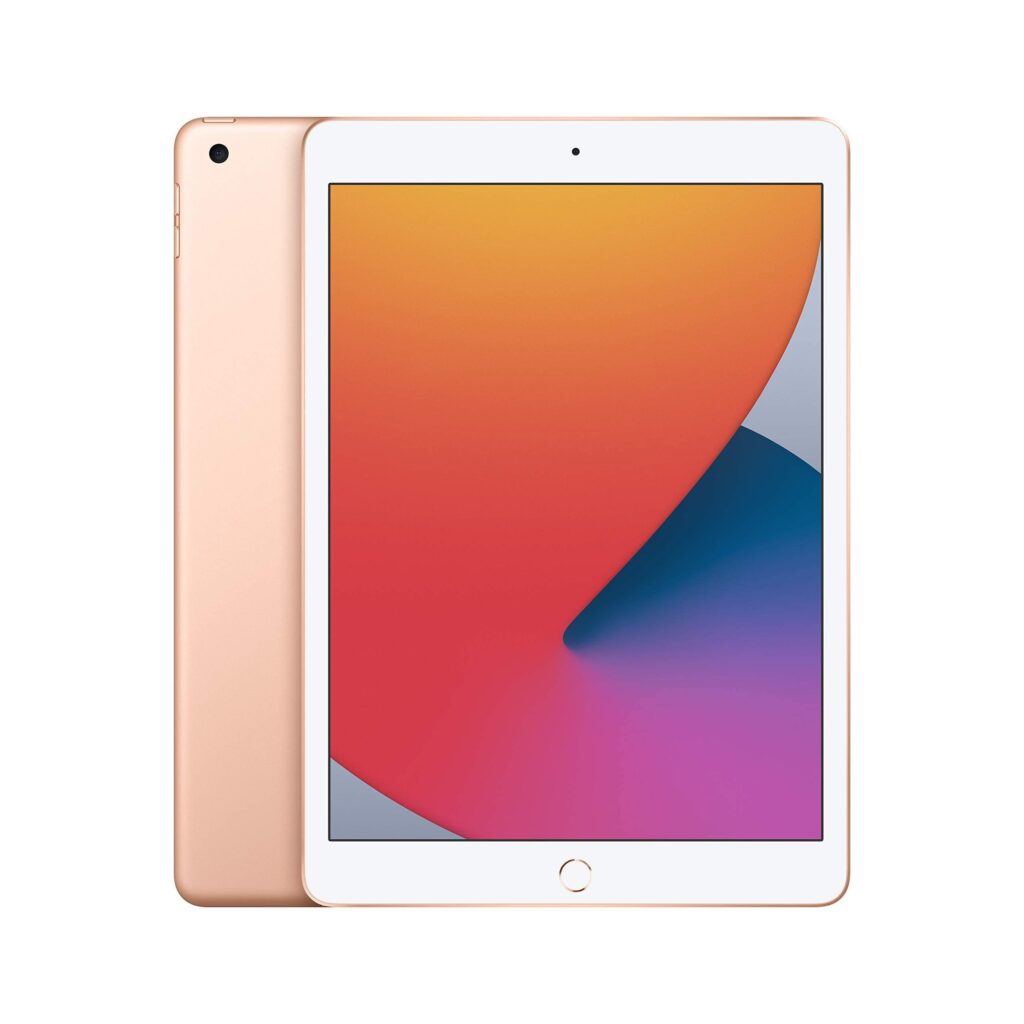
TAB100 provides hands-on instruction in using and managing an iPad. Participants learn how to set up and navigate the iPad, personalize its settings, work with apps, stay connected, and use the iPad for photos, video, communication, and everyday tasks. The course also covers syncing and file management, privacy and security, updates, and troubleshooting.
Topics include:
- iPad Setup, Navigation & Personalization
- Apps
- Staying Connected
- Creating & Capturing
- Syncing, Storage & File Management
- Security, Updates & Troubleshooting
WinTab101: Using Microsoft Windows Operating System
WinTAB101 introduces participants to using Windows 11 on tablets and other Windows-based computers. Participants learn how to navigate Windows, connect to networks and devices, manage files, customize Windows, use common applications and internet features, work with pictures, and perform basic maintenance and troubleshooting.
Topics include:
- Windows Basics
- File Management
- Customizing Windows
- Internet & Apps
- Pictures
- Maintenance & Troubleshooting
