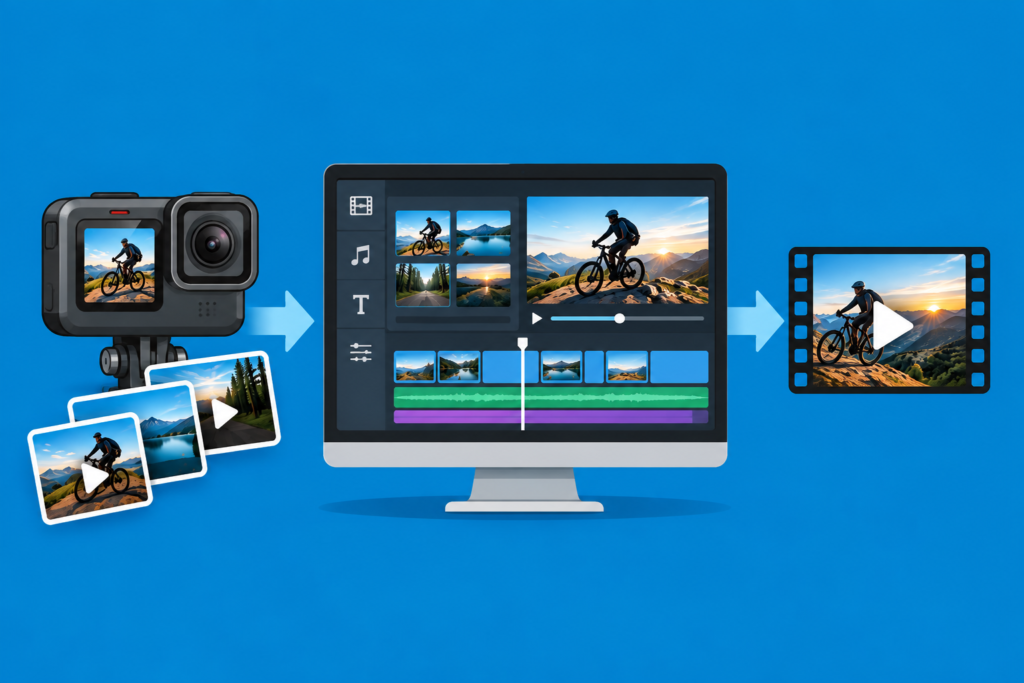

Digital media brings together photography, image editing, action cameras, and video production. These courses explore the tools and techniques used to capture, improve, manage, and transform digital images and video—from taking a photograph or recording footage to creating a finished visual project.
DP101: Digital Photography
Digital cameras and smartphones make it easy to take pictures, but understanding how photography works can make the difference between simply taking a picture and creating a great one. DP101 introduces the fundamentals of digital photography, from choosing and understanding a camera to working with image formats, camera settings, accessories, focus, and composition. Participants learn how shutter speed, aperture, ISO, metering, and other camera controls affect an image and how to use those tools to take better photographs.
Topics include:
- Digital photography, camera types, and how digital cameras work
- Image formats, resolution, and raster vs. vector images
- Camera accessories and storage
- Camera settings, including ISO, autofocus, and metering
- Shutter speed, aperture, and shooting modes
- Focus, composition, and camera technique
DI101: Digital Imaging
DI101 explores ways to organize, manage, enhance, and edit digital photographs. Participants begin with photo storage and the built-in photo tools available in Windows and macOS, then explore more powerful editing tools using RawTherapee and GIMP. The course covers everything from basic cropping and resizing to color and image adjustments, masks, background removal, cloning, and combining images.
Topics include:
- Storing and managing digital photos
- Editing images with Windows Paint and Photos
- Organizing and editing photos with Apple Photos
- Processing and adjusting images with RawTherapee
- Cropping, resizing, rotating, and enhancing images in GIMP
- Using masks, removing backgrounds, cloning, transforming, and blending images in GIMP

AC101: Action Camera
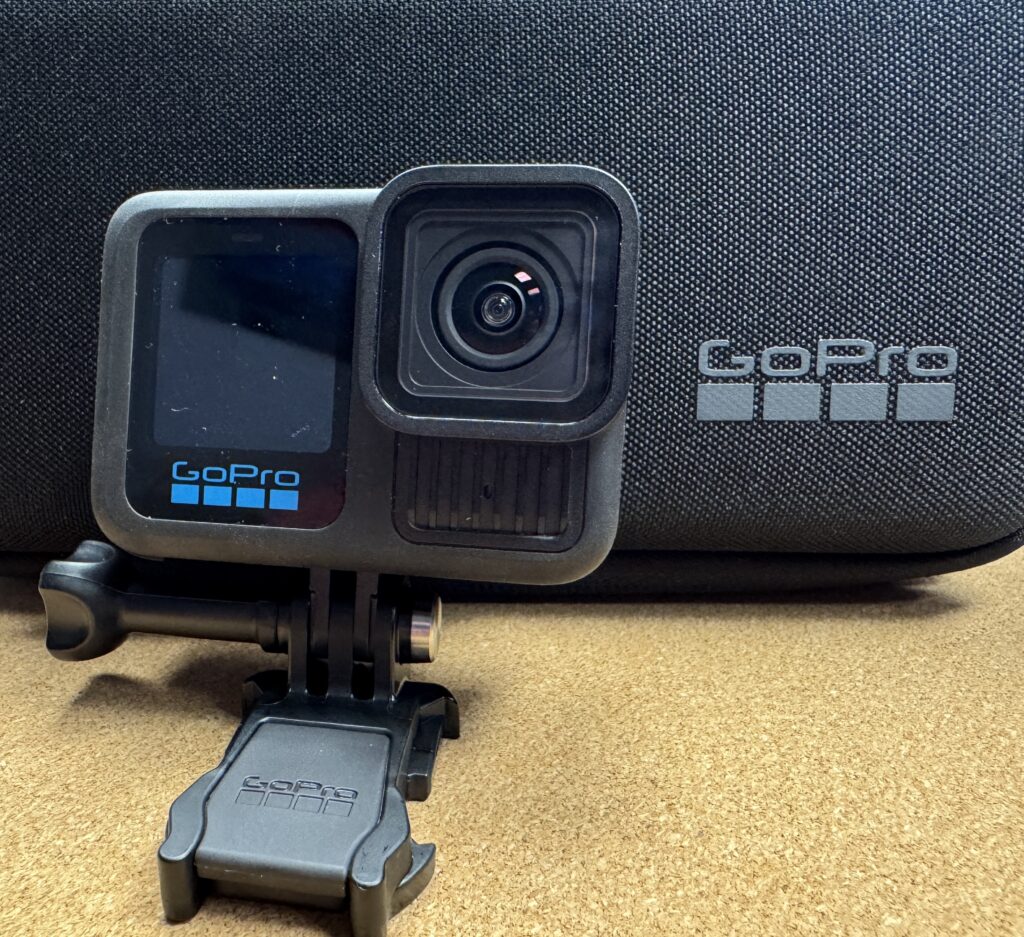
Action cameras can capture video and photographs from places and perspectives that would be difficult with a traditional camera. AC101 introduces the different types of action cameras and uses the GoPro to explore camera setup, recording modes and settings, photography, accessories, and techniques for capturing better footage. Participants also learn how to plan shots and avoid common recording problems.
Topics include:
- Understanding and comparing traditional, miniature, and 360-degree action cameras
- Setting up and using the GoPro
- Video settings, stabilization, slow motion, time lapse, and TimeWarp
- Action-camera photography and composition
- Mounts, lenses, power, storage, and other action-camera accessories
- Planning and capturing better action-camera footage and troubleshooting common problems
VE101: Video Editing
Turn raw video footage into a finished program. VE101 introduces the video editing process, from organizing and selecting footage through building an edit, adding audio and graphics, correcting color, and exporting the finished video. Participants use GoPro tools and DaVinci Resolve to learn practical editing techniques that can be applied to action-camera footage and other video projects.
Topics include:
- Understanding the video editing process and organizing footage for a project
- Transferring and working with GoPro footage using Quik, Player, and GoPro cloud tools
- Getting started with DaVinci Resolve and building a video project
- Trimming and arranging clips, using B-roll, transitions, speed changes, keyframes, and stabilization
- Adding titles and graphics, working with audio, and correcting and grading color
- Exporting videos for different uses and preserving project files and source footage