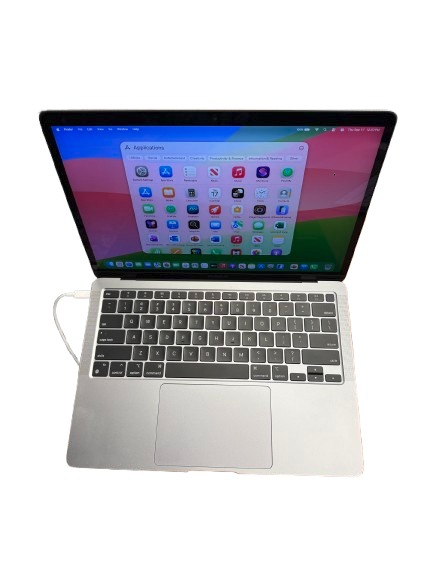

Apple computers combine distinctive hardware with macOS, Apple’s operating system for Mac desktops and laptops. These courses introduce participants to working with a Mac, from navigating macOS and managing files to using Apple’s built-in productivity applications, maintaining the computer, and troubleshooting common problems.
MAC100: Apple Computer Software
MAC100 introduces participants to using and managing a Mac computer. Beginning with the MacBook Air and the macOS interface, participants learn how to navigate the desktop, manage files, customize the computer, install and work with apps, protect their privacy and security, and connect the Mac to networks, displays, printers, and other devices.
Topics include:
- Introduction to the Mac and macOS
- File Management
- Customizing macOS
- Apps
- Privacy & Security
- Networking & Connected Devices
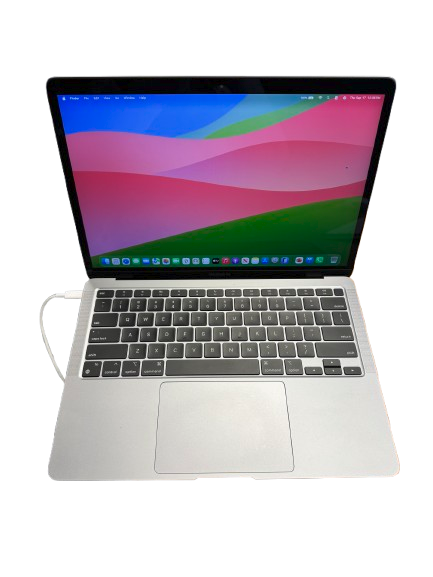
MAC200: Productivity on a Mac
MAC200 builds on the basic Mac skills introduced in MAC100 by exploring the applications and tools used for everyday productivity. Participants work with Safari, Mail, and Messages before learning to create documents in Pages, spreadsheets and charts in Numbers, and presentations in Keynote. The course also covers organizing and editing pictures in Photos and concludes with practical Mac maintenance and troubleshooting.
Topics include:
- Basic Apps
- Pages
- Numbers
- Keynote
- Pictures
- Maintenance & Troubleshooting